
Download Hedera – Free P2P Filesharing Client for Mac
Overview
Hedera is a lightweight peer‑to‑peer (P2P) client built on the Poisoned Hedera protocol. Developed by the open‑source community on SourceForge, this free Mac‑only application belongs to the Internet software category, specifically the P2P Filesharing sub‑category. Since its inclusion in our software catalog in 2011, Hedera has accumulated more than 68,000 downloads, reflecting a solid user base that values its minimal footprint and straightforward design.
The current release, version 0.1b2, was last updated on . Although development activity has slowed, the program remains fully functional on macOS X and earlier versions, offering an English‑only interface that focuses on speed, security, and ease of use. Whether you are a casual user looking to share media files or a power user who needs a reliable P2P tool without the bloat of larger suites, Hedera delivers a clean, secure experience that can be downloaded and installed in minutes.
Key Features
- Ultra‑light footprint: Hedera occupies far less disk space than most Internet software, making it ideal for older Mac systems.
- Secure P2P engine: Built on the Poisoned Hedera protocol, it provides encrypted connections that protect both uploaders and downloaders.
- Simple UI: A minimalist interface that lets users add, search, and download files with just a few clicks.
- Cross‑version compatibility: Runs on macOS X and earlier releases, ensuring that users with legacy hardware can still participate in modern file‑sharing networks.
- Automatic update check: Though the last official update was in 2011, the client still checks for community‑maintained patches.
- Low bandwidth consumption: Intelligent throttling prevents Hedera from saturating your internet connection.
- Open‑source transparency: All source code is hosted on SourceForge, allowing developers to audit and improve the software.
Installation & Usage Instructions
Downloading and setting up Hedera is straightforward. After clicking the Download button on the official SourceForge page, you will receive a compressed .dmg file. Open the file, drag the Hedera icon to your /Applications folder, and launch the app.
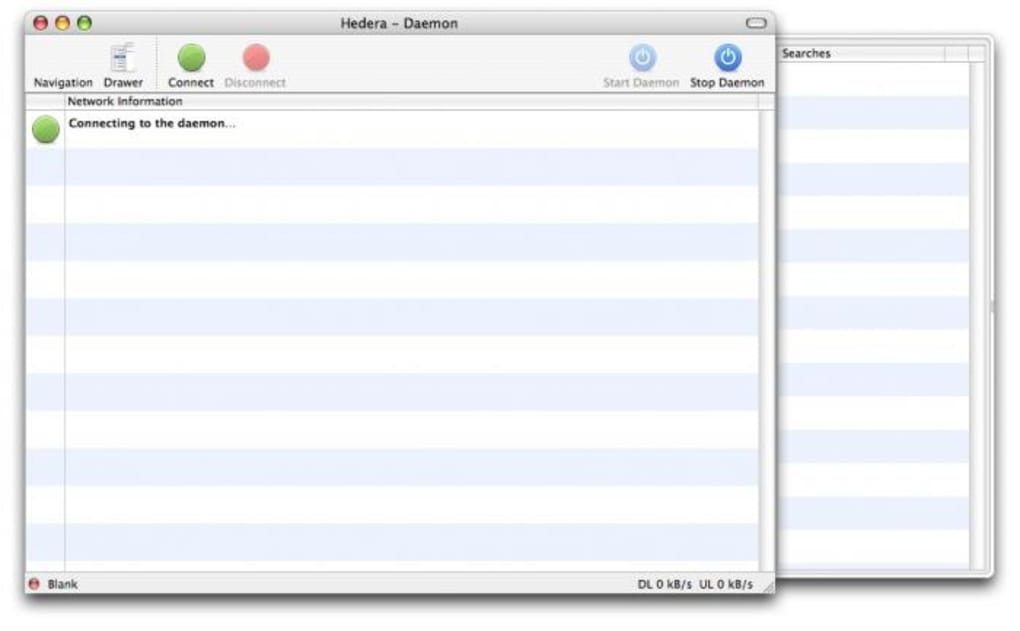
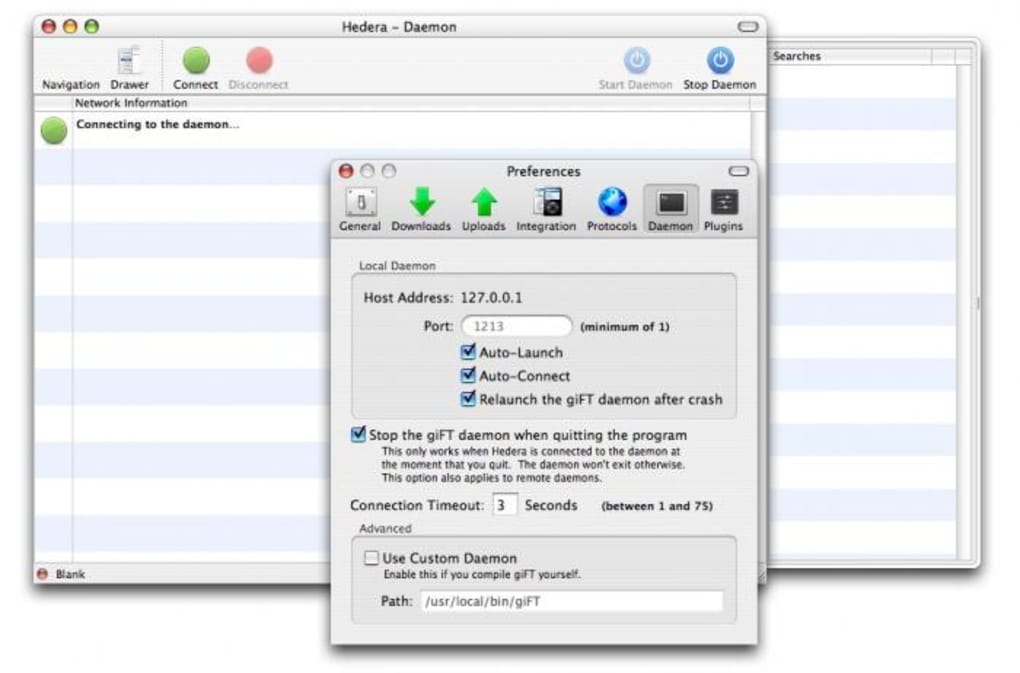
The first launch will prompt you to configure basic network settings, such as the port number and preferred upload speed. Once configured, you can start searching for files using the built‑in search bar, add magnet links, or share your own files by simply dragging them into the shared folder window. The client’s status panel provides real‑time feedback on active connections, download progress, and upload ratios, allowing you to monitor performance without leaving the interface.
Compatibility, Pros & Cons
Hedera is designed exclusively for macOS X and earlier versions of the Mac operating system. It does not have native Windows, Linux, Android, or iOS builds, which means Mac users looking for a dedicated P2P client will find Hedera a perfect fit, while cross‑platform users will need to explore alternative solutions.
Pros
- Extremely low system requirements – runs smoothly on older Mac hardware.
- Encrypted P2P connections safeguard privacy.
- Intuitive, clutter‑free interface reduces the learning curve.
- Open‑source licensing encourages community contributions.
- Free to download and use, with no hidden fees.
Cons
- No official updates since 2011; security patches rely on community forks.
- Mac‑only support limits adoption among mixed‑OS households.
- English‑only UI may be a barrier for non‑English speakers.
- Feature set is basic compared to modern P2P suites (no built‑in media player).
- Lacks integrated VPN or proxy options for extra anonymity.
Overall Verdict: Hedera remains a solid, lightweight choice for Mac users who need a straightforward P2P client. Its free price tag, minimal resource consumption, and secure architecture outweigh the drawbacks of an aging codebase, making it a worthy addition to any Mac‑centric file‑sharing toolkit.
Conclusion, FAQ & Call to Action
In a landscape crowded with heavyweight torrent clients, Hedera stands out for its simplicity and Mac‑first philosophy. While the project hasn’t seen a formal update in over a decade, its open‑source nature means the community can still maintain and improve the software. If you value a lean application that respects your system resources and offers encrypted P2P transfers, Hedera is an excellent download. Click the button below to grab the latest 0.1b2 version, and start sharing files securely on your Mac today.
Frequently Asked Questions
-
Is Hedera completely free to use?
Yes, Hedera is released under an open‑source license and can be downloaded, installed, and used without any cost.
-
Can I run Hedera on Windows or Linux?
No, Hedera is built exclusively for macOS. Windows or Linux users will need to look for alternative P2P clients.
-
Is the software secure despite the lack of recent updates?
The core Poisoned Hedera protocol provides encryption, but because the official project isn’t actively maintained, you should consider using community‑maintained forks or adding a VPN for extra protection.
-
How much disk space does Hedera require?
The installer is under 10 MB, and once installed the application occupies less than 30 MB, making it ideal for machines with limited storage.
-
Where can I find community patches or newer builds?
Check the Hedera project page on SourceForge and browse the “Forks” section for community‑maintained updates or security patches.







